SCALE AND CONTEXT
- Harshita Sood

- Mar 27, 2021
- 1 min read
STEP -1
Ideation
Choosing 2-3 objects from the surrounding and creating a drawing of inspired object by changing it's scale and context.
Idea1 (rejected)


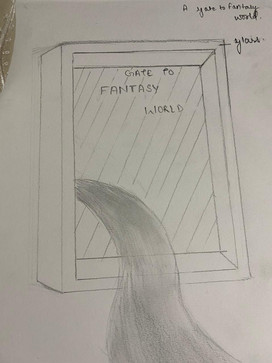
Idea 2 ( accepted)


Step2
Manipulating the Form & Surface
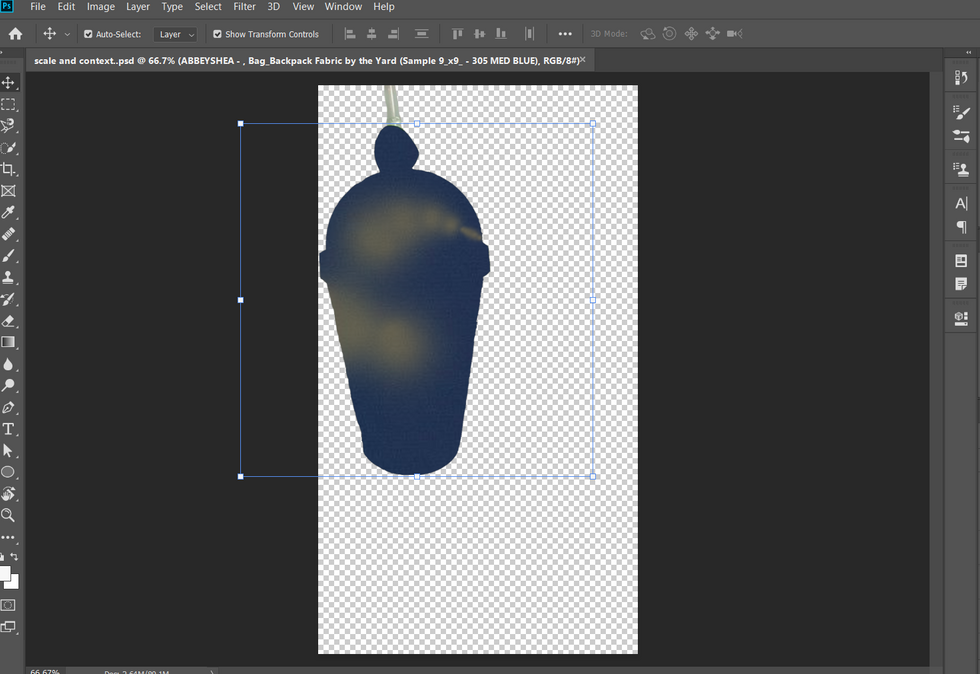
Starting by making the selection with the help of the selection tools.

Process- Choosing a texture picture for surface and then proceeding with details like converting picture into smart object , making distorted image by using spherize tool, masking and later adding effects and perspective to ease the whole look.
after final touch up of the object . now adjust a background and add anything you want to to it.
It took an whole two hours to choose the correct background .



FINAL OUTCOME
REJECTED BACKGROUNDS-





REJECTED IDEAS - (FLOWERS/ LIGHTS)





- RECORDING OF THE PROCESS:


Comments